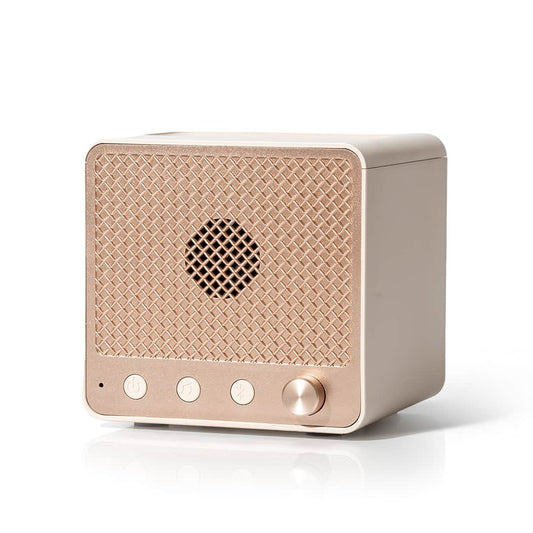
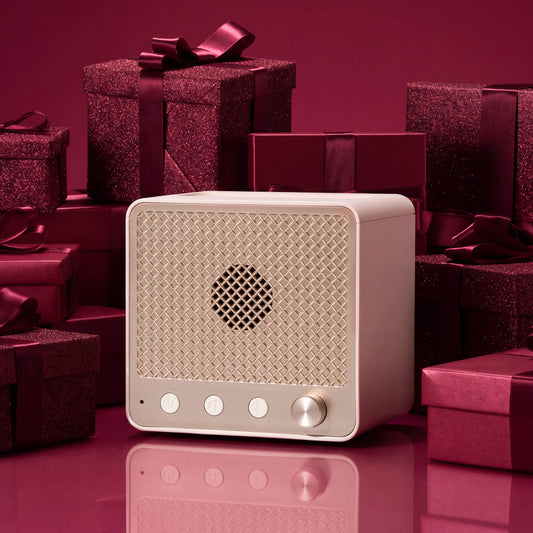
Bring a little throwback charm to your everyday routine with the RetroFlame Diffuser. Designed with a fun, retro speaker-inspired look, this ultrasonic diffuser blends nostalgic style with modern features for a full sensory experience.
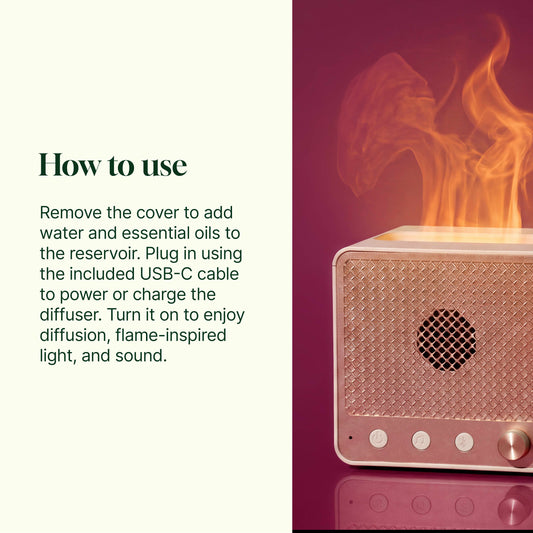
Add your favorite essential oils, turn on the continuous mist, and enjoy aromatic diffusion throughout your personal space. The flame-inspired light feature adds a warm, eye-catching glow, while Bluetooth audio and four built-in ambient sound options let you create the perfect mood, whether you are winding down, working, or setting the tone for a relaxed night in.
Specifications:
Reservoir Capacity: Approx. 150 mL (5.07 fl. oz.)
Working Time: Approx. 2.2 hours (+/- 10%) working time with full charge
Power: DC 5V 2A
Charging Port: Type-C
Bluetooth Version: 5.2
Coverage Area: Approx. 215 sq. ft. (20 ㎡)
Mist Output: 10 mL/h +/-3